
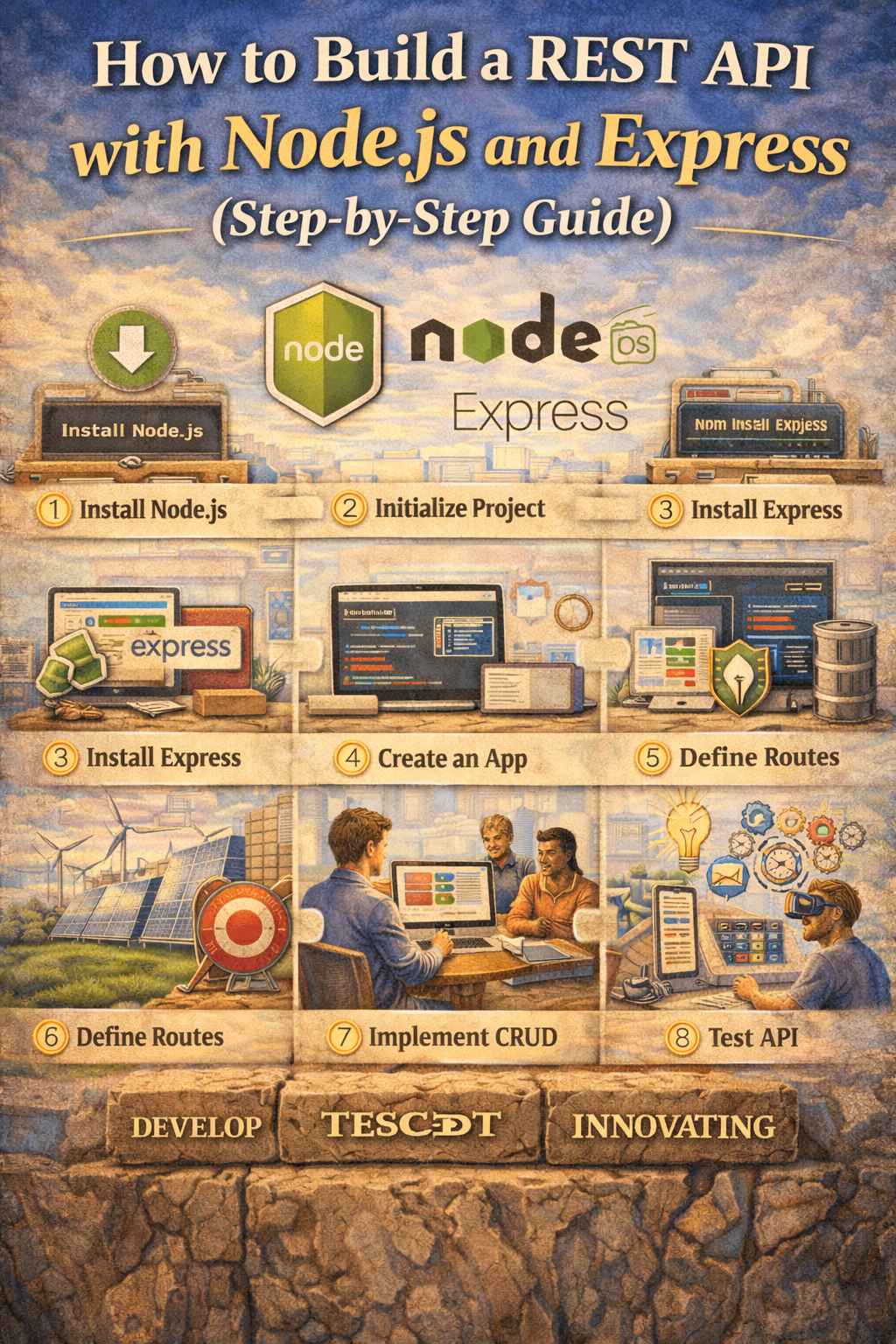
How to Build a REST API with Node.js and Express (Step-by-Step Guide)
Building a REST API is one of the most important skills for modern developers. Whether you’re creating a web app, mobile backend, or SaaS product, APIs are how systems talk to each other.
In this guide, you’ll learn how to build a simple REST API using Node.js and Express. We’ll cover setup, routing, CRUD operations, middleware, and basic error handling.
By the end, you’ll have a working API and a clear understanding of how everything fits together.
What Is a REST API?
REST stands for Representational State Transfer. In simple terms, a REST API allows clients to interact with a server using standard HTTP methods:
- GET – Retrieve data
- POST – Create data
- PUT – Update data
- DELETE – Remove data
Each request targets a specific URL endpoint and typically sends or receives JSON.
Example:
GET /users
POST /users
GET /users/1
DELETE /users/1
Now let’s build one.
Step 1: Set Up Your Project
First, make sure you have Node.js installed.
Create a new project folder and initialize it:
mkdir rest-api-demo
cd rest-api-demo
npm init -y
Install Express:
npm install express
Create a file called:
index.js
Step 2: Create a Basic Express Server
Add this code to index.js:
const express = require('express');
const app = express();

const PORT = 3000;

app.listen(PORT, () => {
  console.log(`Server is running on http://localhost:${PORT}`);
});
Run the server:
node index.js
If everything works, you’ll see:
Server is running on http://localhost:3000
Your API server is now live.
Step 3: Add Middleware for JSON
Most APIs work with JSON. Add this line under app:
app.use(express.json());
This middleware allows the server to parse JSON request bodies.
Your file now looks like this:
const express = require('express');
const app = express();

app.use(express.json());

const PORT = 3000;

app.listen(PORT, () => {
  console.log(`Server is running on http://localhost:${PORT}`);
});
Step 4: Create a Simple In-Memory Database
For this tutorial, we’ll store data in memory.
Add this above app.listen():
let users = [
  { id: 1, name: "Alice" },
  { id: 2, name: "Bob" }
];
In production, you would use a real database like PostgreSQL or MongoDB. But this keeps things simple.
Step 5: Implement CRUD Routes
1. GET All Users
app.get('/users', (req, res) => {
  res.json(users);
});
Test it in your browser or with Postman:
GET http://localhost:3000/users
2. GET Single User
app.get('/users/:id', (req, res) => {
  const id = parseInt(req.params.id);
  const user = users.find(u => u.id === id);

  if (!user) {
    return res.status(404).json({ message: "User not found" });
  }

  res.json(user);
});
3. POST Create a User
app.post('/users', (req, res) => {
  const { name } = req.body;

  if (!name) {
    return res.status(400).json({ message: "Name is required" });
  }

  const newUser = {
    id: users.length + 1,
    name
  };

  users.push(newUser);

  res.status(201).json(newUser);
});
Use Postman or curl:
curl -X POST http://localhost:3000/users \
-H "Content-Type: application/json" \
-d '{"name":"Charlie"}'
4. PUT Update a User
app.put('/users/:id', (req, res) => {
  const id = parseInt(req.params.id);
  const { name } = req.body;

  const user = users.find(u => u.id === id);

  if (!user) {
    return res.status(404).json({ message: "User not found" });
  }

  user.name = name || user.name;

  res.json(user);
});
5. DELETE a User
app.delete('/users/:id', (req, res) => {
  const id = parseInt(req.params.id);

  const userIndex = users.findIndex(u => u.id === id);

  if (userIndex === -1) {
    return res.status(404).json({ message: "User not found" });
  }

  users.splice(userIndex, 1);

  res.json({ message: "User deleted successfully" });
});
You now have a complete CRUD REST API.
Step 6: Add Basic Error Handling Middleware
Error handling keeps your API predictable.
Add this at the bottom, before app.listen():
app.use((err, req, res, next) => {
  console.error(err.stack);
  res.status(500).json({ message: "Something went wrong" });
});
In larger applications, you’d separate routes and middleware into different files.
Project Structure (Recommended for Growth)
As your app grows, structure matters.
Instead of keeping everything in one file, you might organize it like this:
/controllers
/routes
/middleware
/models
index.js
This keeps your API clean and maintainable.
What You’ve Built
You now have:
- A working Express server
- JSON middleware
- CRUD endpoints
- Route parameters
- Basic validation
- Error handling
That’s the foundation of nearly every backend API.
What to Learn Next
To level up your REST API skills, consider adding:
- A real database (MongoDB or PostgreSQL)
- Environment variables with dotenv
- Authentication with JWT
- Input validation with Joi or Zod
- Logging with Morgan
- API documentation using Swagger
- Testing with Jest or Supertest
These additions turn a basic API into a production-ready service.
Final Thoughts
Building a REST API with Node.js and Express is straightforward once you understand the structure:
- Create the server
- Add middleware
- Define routes
- Handle errors
- Keep the structure clean
Start simple. Make it work. Then improve it step by step.
If you’d like, I can next write:
- An advanced version with MongoDB integration
- A production-ready API template
- A version using TypeScript
- A guide on securing your API

