
Perfect. Let’s take the next logical step.
We’ll convert the API to TypeScript and structure it the way professional Node.js backends are built today.
This moves your project from “works” to “serious backend engineering.”
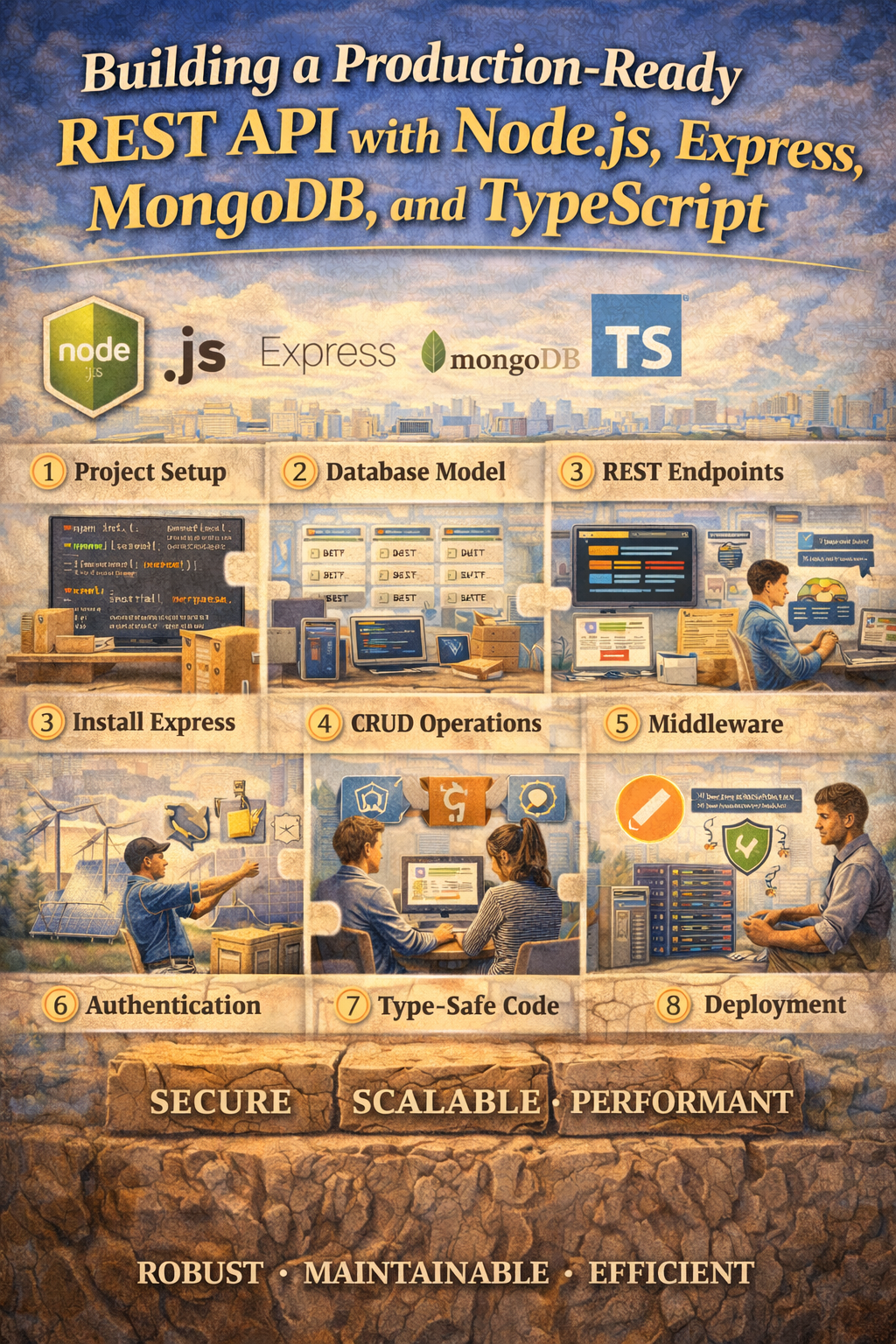
Building a Production-Ready REST API with Node.js, Express, MongoDB, and TypeScript
JavaScript works.
But TypeScript makes large applications safer and easier to maintain.
If you’re building real products, working in teams, or preparing for senior-level roles, TypeScript is no longer optional.
In this guide, you’ll learn how to:
- Set up a Node.js + Express + MongoDB project with TypeScript
- Create typed models and controllers
- Add JWT authentication
- Structure your project for scalability
Why Use TypeScript for Backend Development?
TypeScript gives you:
- Static type checking
- Better IDE support
- Fewer runtime bugs
- Self-documenting code
- Safer refactoring
When your project grows past a few files, this matters.
Step 1: Initialize the Project
mkdir ts-api
cd ts-api
npm init -y
Install dependencies:
npm install express mongoose dotenv jsonwebtoken bcryptjs
Install dev dependencies:
npm install -D typescript ts-node-dev @types/node @types/express @types/jsonwebtoken @types/bcryptjs
Initialize TypeScript:
npx tsc --init
Step 2: Configure TypeScript
Update tsconfig.json:
{
  "compilerOptions": {
    "target": "ES2020",
    "module": "commonjs",
    "rootDir": "./src",
    "outDir": "./dist",
    "strict": true,
    "esModuleInterop": true,
    "skipLibCheck": true
  }
}
Update package.json:
"scripts": {
  "dev": "ts-node-dev --respawn --transpile-only src/server.ts",
  "build": "tsc",
  "start": "node dist/server.js"
}
Step 3: Folder Structure
src/
  config/
  controllers/
  middleware/
  models/
  routes/
  types/
  server.ts
.env
Step 4: Database Connection (Typed)
src/config/db.ts
import mongoose from "mongoose";

export const connectDB = async (): Promise<void> => {
  try {
    await mongoose.connect(process.env.MONGO_URI as string);
    console.log("MongoDB connected");
  } catch (error) {
    console.error(error);
    process.exit(1);
  }
};
Step 5: Create a Typed User Model
src/models/User.ts
import mongoose, { Document, Schema } from "mongoose";

export interface IUser extends Document {
  name: string;
  email: string;
  password: string;
  createdAt: Date;
  updatedAt: Date;
}

const UserSchema: Schema<IUser> = new Schema(
  {
    name: { type: String, required: true },
    email: { type: String, required: true, unique: true },
    password: { type: String, required: true }
  },
  { timestamps: true }
);

export default mongoose.model<IUser>("User", UserSchema);
Now your model is fully typed.
Step 6: Typed Auth Controller
src/controllers/authController.ts
import { Request, Response } from "express";
import bcrypt from "bcryptjs";
import jwt from "jsonwebtoken";
import User, { IUser } from "../models/User";

export const registerUser = async (
  req: Request,
  res: Response
): Promise<Response> => {
  const { name, email, password } = req.body;

  const existingUser = await User.findOne({ email });
  if (existingUser) {
    return res.status(400).json({ message: "User already exists" });
  }

  const hashedPassword = await bcrypt.hash(password, 10);

  const user: IUser = await User.create({
    name,
    email,
    password: hashedPassword
  });

  const token = jwt.sign(
    { id: user._id },
    process.env.JWT_SECRET as string,
    { expiresIn: "1d" }
  );

  return res.status(201).json({ token });
};
Now TypeScript ensures your data types are correct during development.
Step 7: Extend Express Request (Custom Types)
To attach user data to the request object, create:
src/types/express.d.ts
import { Request } from "express";

export interface AuthRequest extends Request {
  user?: any;
}
Step 8: Auth Middleware (Typed)
src/middleware/authMiddleware.ts
import { Response, NextFunction } from "express";
import jwt from "jsonwebtoken";
import { AuthRequest } from "../types/express";

export const protect = (
  req: AuthRequest,
  res: Response,
  next: NextFunction
): Response | void => {
  const authHeader = req.headers.authorization;

  if (!authHeader) {
    return res.status(401).json({ message: "Not authorized" });
  }

  try {
    const token = authHeader.split(" ")[1];
    const decoded = jwt.verify(
      token,
      process.env.JWT_SECRET as string
    );

    req.user = decoded;
    next();
  } catch (error) {
    return res.status(401).json({ message: "Token invalid" });
  }
};
Step 9: Routes
src/routes/authRoutes.ts
import { Router } from "express";
import { registerUser } from "../controllers/authController";
import { protect } from "../middleware/authMiddleware";

const router = Router();

router.post("/register", registerUser);

router.get("/profile", protect, (req, res) => {
  res.json({ message: "Protected route" });
});

export default router;
Step 10: Server Entry
src/server.ts
import express from "express";
import dotenv from "dotenv";
import { connectDB } from "./config/db";
import authRoutes from "./routes/authRoutes";

dotenv.config();

const app = express();

connectDB();

app.use(express.json());
app.use("/api/auth", authRoutes);

const PORT = process.env.PORT || 5000;

app.listen(PORT, () => {
  console.log(`Server running on port ${PORT}`);
});
Run the project:
npm run dev
What You Gained by Switching to TypeScript
- Compile-time error detection
- Strong typing for models and controllers
- Safer middleware extensions
- Cleaner refactoring
- Better developer experience
This is how most serious Node.js backends are built today.
Next Level Options
We can now move into more advanced territory:
- Add Role-Based Access Control (RBAC)
- Implement refresh tokens and secure auth flow
- Add request validation with Zod
- Create a clean architecture pattern (service layer)
- Add Docker + CI/CD pipeline
- Build a real SaaS-ready backend structure
Pick one, and we’ll go deeper.

