
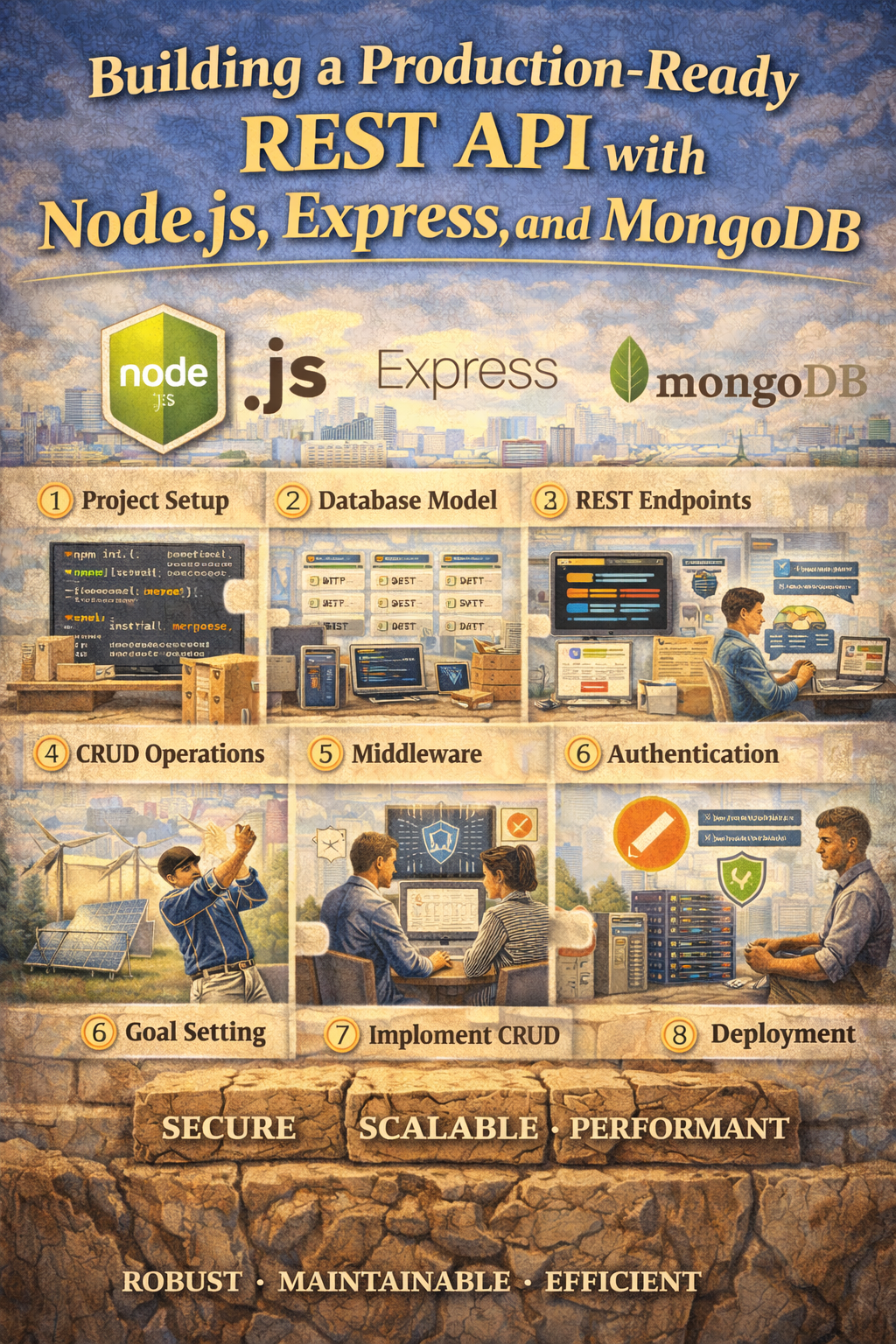
- Node.js + Express
- MongoDB (with Mongoose)
- Environment variables
- JWT authentication
- Proper folder structure
- Production-ready patterns
Building a Production-Ready REST API with Node.js, Express, and MongoDB
A simple CRUD API is a good start. But real-world applications need:
- A database
- Authentication
- Environment configuration
- Clean structure
- Proper error handling
In this guide, we’ll build a structured, scalable REST API with MongoDB and JWT authentication.
Tech Stack
- Node.js
- Express
- MongoDB
- Mongoose
- JWT (JSON Web Tokens)
- dotenv
Step 1: Initialize the Project
mkdir production-api
cd production-api
npm init -y
Install dependencies:
npm install express mongoose dotenv jsonwebtoken bcryptjs
Install dev dependency:
npm install --save-dev nodemon
Add this to package.json:
"scripts": {
  "dev": "nodemon server.js"
}
Step 2: Project Structure
Create this structure:
/config
/controllers
/middleware
/models
/routes
server.js
.env
This keeps logic separated and easier to maintain.
Step 3: Environment Variables
Create a .env file:
PORT=5000
MONGO_URI=mongodb://localhost:27017/production-api
JWT_SECRET=supersecretkey
Never hardcode secrets in your source code.
Step 4: Database Connection
Create config/db.js:
const mongoose = require('mongoose');

const connectDB = async () => {
  try {
    await mongoose.connect(process.env.MONGO_URI);
    console.log("MongoDB connected");
  } catch (error) {
    console.error(error);
    process.exit(1);
  }
};

module.exports = connectDB;
Step 5: Create the Server Entry Point
server.js:
require('dotenv').config();
const express = require('express');
const connectDB = require('./config/db');

const app = express();

connectDB();

app.use(express.json());

app.use('/api/users', require('./routes/userRoutes'));

const PORT = process.env.PORT || 5000;

app.listen(PORT, () => {
  console.log(`Server running on port ${PORT}`);
});
Step 6: Create User Model
models/User.js:
const mongoose = require('mongoose');

const userSchema = new mongoose.Schema({
  name: {
    type: String,
    required: true
  },
  email: {
    type: String,
    required: true,
    unique: true
  },
  password: {
    type: String,
    required: true
  }
}, { timestamps: true });

module.exports = mongoose.model('User', userSchema);
Step 7: Create Authentication Controller
controllers/userController.js:
const User = require('../models/User');
const bcrypt = require('bcryptjs');
const jwt = require('jsonwebtoken');

exports.registerUser = async (req, res) => {
  const { name, email, password } = req.body;

  const userExists = await User.findOne({ email });
  if (userExists) {
    return res.status(400).json({ message: "User already exists" });
  }

  const hashedPassword = await bcrypt.hash(password, 10);

  const user = await User.create({
    name,
    email,
    password: hashedPassword
  });

  const token = jwt.sign({ id: user._id }, process.env.JWT_SECRET, {
    expiresIn: "1d"
  });

  res.status(201).json({ token });
};
Step 8: Create Routes
routes/userRoutes.js:
const express = require('express');
const router = express.Router();
const { registerUser } = require('../controllers/userController');

router.post('/register', registerUser);

module.exports = router;
Step 9: Add Authentication Middleware
middleware/authMiddleware.js:
const jwt = require('jsonwebtoken');

module.exports = (req, res, next) => {
  const token = req.headers.authorization;

  if (!token) {
    return res.status(401).json({ message: "Not authorized" });
  }

  try {
    const decoded = jwt.verify(token.split(' ')[1], process.env.JWT_SECRET);
    req.user = decoded;
    next();
  } catch (error) {
    res.status(401).json({ message: "Token invalid" });
  }
};
Now you can protect routes by adding this middleware.
Step 10: Protect a Route Example
Add to userRoutes.js:
const authMiddleware = require('../middleware/authMiddleware');

router.get('/profile', authMiddleware, async (req, res) => {
  res.json({ message: "Protected route accessed", user: req.user });
});
Now only users with valid JWT tokens can access /profile.
What Makes This Production-Ready?
Compared to the beginner version:
- Real database
- Password hashing
- JWT authentication
- Environment variables
- Modular folder structure
- Scalable design
This is the foundation of most SaaS backends.
What to Add Next (Real-World Improvements)
To go further:
- Input validation with Joi or Zod
- Global error handling middleware
- Rate limiting
- CORS configuration
- Helmet for security headers
- Refresh tokens
- Logging with Winston
- Unit and integration testing
- Docker setup for deployment
Final Thoughts
A real API isn’t just CRUD. It’s:
- Secure
- Structured
- Maintainable
- Scalable
If you’re building portfolio projects, startups, or backend systems, this is the level you should aim for.
Next direction options:
- Convert this to TypeScript
- Add MongoDB relationships and advanced queries
- Build a role-based access control (RBAC) system
- Turn this into a Dockerized deployment guide
- Add Swagger API documentation

